Workstation PCs: Enterprise-Grade Processing
Exploring the specialized architecture, error-correcting memory, and computational prowess that separate true professional workstations from standard consumer desktops.
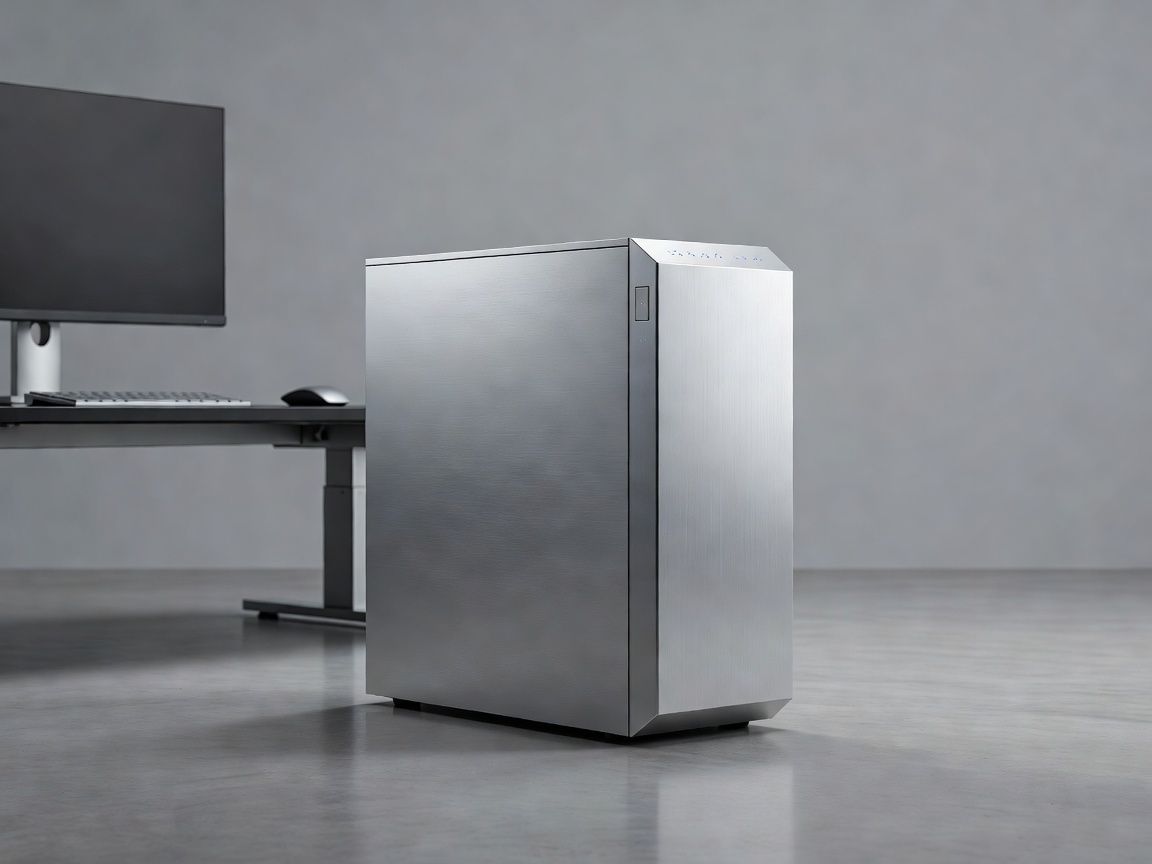
While gaming PCs are designed to generate high frame rates in real-time, workstation PCs have a different mandate: absolute computational accuracy, massive parallel processing capabilities, and unyielding stability under continuous heavy loads. These are machines built for data scientists, architects, 3D animators, and engineers whose workflows involve datasets and models too large for consumer hardware to handle.
The Processing Powerhouse
Workstation processors differ significantly from standard CPUs. While a consumer chip might feature 8 to 16 cores prioritizing high clock speeds, a workstation CPU can feature 32, 64, or even more cores. This massive core count is designed for parallel processing—tackling multiple complex calculations simultaneously. Tasks like fluid dynamics simulations, offline 3D rendering, and compiling massive codebases scale almost perfectly with additional cores.
Furthermore, these platforms offer vastly expanded PCIe lane configurations. A standard desktop might support one high-end GPU and a few storage drives without bottlenecking bandwidth. A workstation platform can support multiple professional GPUs and massive arrays of high-speed NVMe storage operating concurrently at full speed.
Error-Correcting Code (ECC) Memory
One of the defining features of a true workstation is its reliance on ECC memory. When a computer runs for days compiling data or rendering a film sequence, microscopic electrical interference or cosmic rays can flip a bit in the system memory (changing a 0 to a 1). In a consumer PC, this usually results in a system crash or corrupted file.
ECC RAM includes an extra memory chip that detects and instantly corrects these single-bit errors in real-time. For professionals running simulations where a single miscalculation could ruin days of computational work, ECC memory is not a luxury; it is a strict requirement. Workstations also support vastly larger memory pools, often accommodating 256GB, 512GB, or even several terabytes of RAM.
Professional vs. Consumer GPUs
Workstation graphics cards share the same underlying silicon architectures as gaming cards, but their implementation is entirely different. Professional GPUs feature optimized drivers designed for stability and certified by Independent Software Vendors (ISVs). If you are running industry-standard CAD software, ISV certification guarantees that the hardware will render the viewport accurately without visual artifacts.
Additionally, professional GPUs typically feature significantly more VRAM than gaming cards—sometimes exceeding 48GB per card—allowing them to load massive textures or complex architectural models into memory without paging to the system drive.
Pros and Cons of Workstation Architecture
| Advantages | Disadvantages |
|---|---|
| Unmatched Stability: Designed to run at 100% load 24/7 without crashing. | Premium Pricing: Enterprise hardware commands massive price premiums. |
| Massive Parallelism: Dozens of CPU cores drastically reduce rendering times. | Lower Single-Core Speed: Often performs worse in gaming than consumer PCs. |
| Expandability: Support for multiple GPUs and massive RAM capacities. | Noise and Heat: Requires server-grade cooling solutions. |
Who Should Invest in a Workstation?
A workstation is fundamentally an investment in time. If a video editor is paid by the project, reducing export times from four hours to one hour directly increases their earning potential. However, for users whose workflows do not scale with massive core counts or do not require ECC memory, a high-end consumer desktop often provides a better return on investment. Assessing the specific hardware bottlenecks of your primary software applications is the vital first step before committing to an enterprise-grade workstation platform.