Budget Desktops: Maximizing Practical Value
How to navigate the entry-level computing market to find reliable hardware that covers daily necessities without unnecessary expenditure.
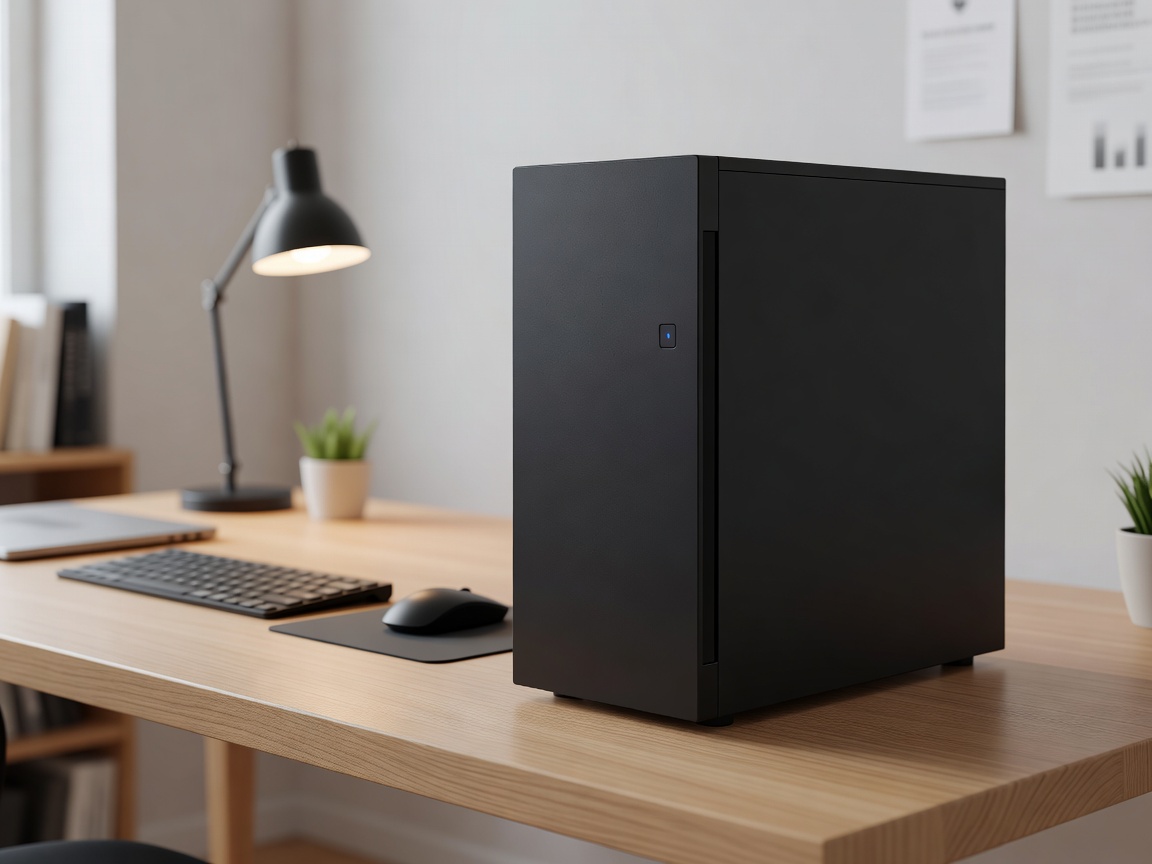
Not every computing task requires liquid-cooled processors and multi-gigabyte graphics arrays. For millions of users, a computer is an appliance for web browsing, document editing, media consumption, and managing finances. The budget desktop market addresses these needs, but it is a segment fraught with varying quality. Knowing where manufacturers cut costs is key to finding a machine that will remain responsive for years.
Setting Expectations
A budget desktop is about securing a frictionless experience for standard workflows. It should boot rapidly, handle multiple browser tabs without stuttering, and seamlessly play high-definition video. What it will not do effectively is play the latest 3D games at high resolutions, or render complex video projects quickly. Accepting these limitations is the first step toward a smart purchase.
APUs vs. Discrete GPUs
The most significant cost-saving measure in a budget desktop is the omission of a dedicated graphics card. Instead, these machines rely on Integrated Graphics or an APU (Accelerated Processing Unit) — a chip that combines the central processor and graphics processor onto a single die.
Modern integrated graphics have evolved drastically. They are now fully capable of driving 4K monitors for office work and media playback, and can even handle light photo editing or older, e-sports style games at lower settings. Foregoing a discrete GPU reduces the system's power requirements, heat output, and overall cost dramatically.
Memory and Storage Configurations
The two areas where budget buyers must remain vigilant are RAM and Storage.
RAM: Operating systems and web browsers are memory-hungry. A system with 4GB of RAM will frequently freeze as it is forced to use the storage drive as overflow memory. 8GB should be considered the absolute minimum, with 16GB being the sweet spot for long-term usability.
Storage: Avoid traditional mechanical Hard Disk Drives (HDDs) for the primary boot drive at all costs. An SSD (Solid State Drive) is the single most critical component for making a budget PC feel fast. Even a smaller capacity SSD (e.g., 256GB or 512GB) paired with cloud storage is vastly superior to a massive, sluggish 2TB HDD.
Pros and Cons of Budget Desktops
| Advantages | Disadvantages |
|---|---|
| Affordability: Excellent entry point for basic home and office computing. | Proprietary Parts: Many pre-builts use non-standard motherboards, limiting upgrades. |
| Low Power Consumption: Minimal impact on electricity bills and generally quiet operation. | Bloatware: Often pre-loaded with unwanted trial software that slows the system. |
| Compact Options: Often built into smaller chassis that fit anywhere. | Graphics Ceiling: Extremely limited capability for modern gaming or rendering. |
The Upgrade Path
When purchasing a budget desktop, it is wise to check its upgrade potential. Some manufacturers use proprietary power supplies and motherboards that cannot be swapped out later. If you intend to add a dedicated graphics card down the line to turn the budget PC into a gaming rig, ensure the chassis has physical clearance for a GPU, and that the power supply possesses both the wattage and the necessary PCIe power cables to support it.