Mini PCs: Density Without Compromise
Examining the rise of ultra-compact computing, where laptop efficiency meets desktop versatility in chassis the size of a hardcover book.
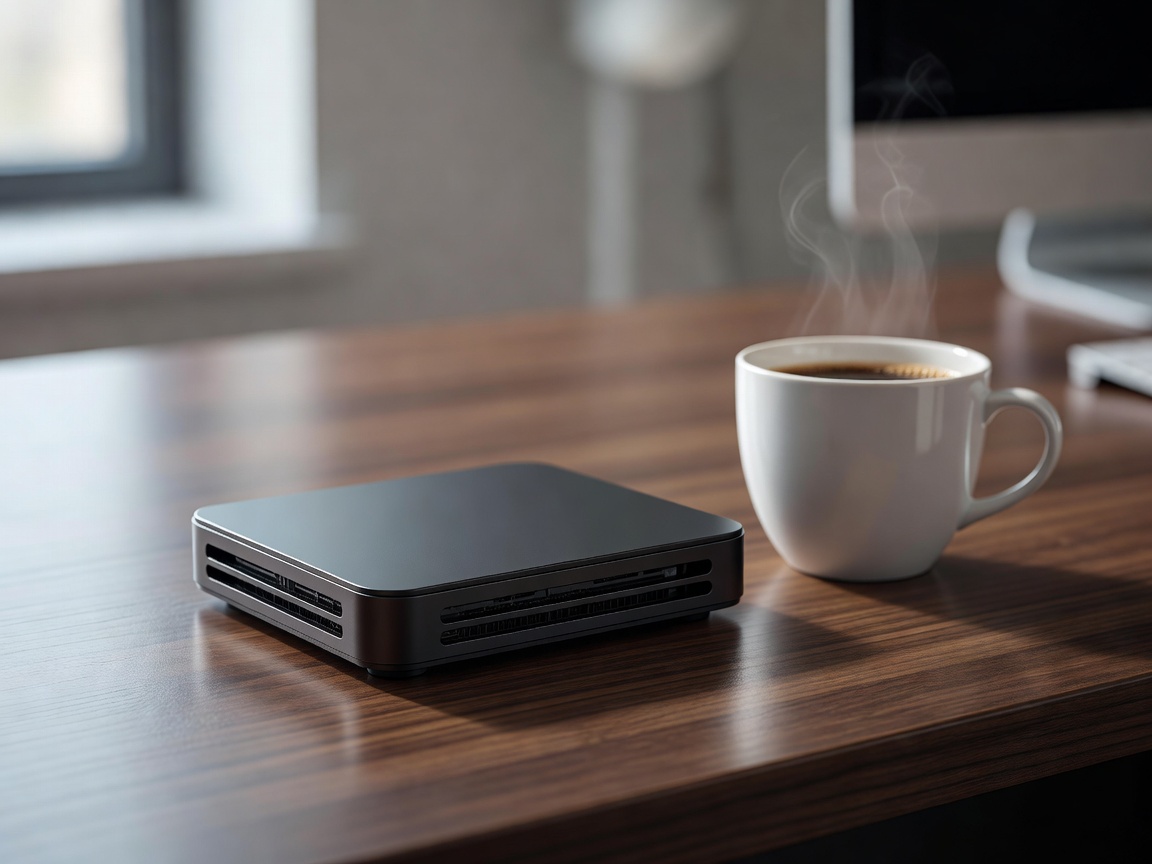
For decades, the desktop computer was a cumbersome box relegated to the floor beneath a desk. The Mini PC category challenges that paradigm, offering robust processing power in enclosures that can sit unobtrusively on a shelf or mount directly behind a monitor. Thanks to advancements in mobile processor efficiency, modern Mini PCs blur the line between portable and stationary computing architectures.
Mobile Components in a Desktop Chassis
The secret to the Mini PC's form factor lies in its internal hardware. Rather than using socketed desktop processors which require massive heat sinks, many Mini PCs utilize high-end mobile processors—the same silicon found in premium laptops. Because these chips are designed to operate within strict power and thermal limits, they can be cooled effectively by a single, quiet blower fan within a tiny chassis.
Despite using mobile processors, these systems do not suffer from laptop constraints like battery degradation or cramped keyboards. They provide a pure, tethered desktop experience while retaining an incredibly small physical and thermal footprint.
Connectivity and Use Cases
Despite their diminutive size, Mini PCs are praised for their I/O (Input/Output) density. A quality unit will feature multiple USB-C ports, dual HDMI or DisplayPort outputs, gigabit ethernet, and audio jacks. This makes them incredibly versatile. Common use cases include:
- Home Theater PCs (HTPC): Silent operation and small footprint make them ideal for media centers connected to living room televisions.
- Point of Sale / Kiosks: Easily hidden away in retail environments.
- Minimalist Workstations: Perfect for coding, writing, or graphic design where desk space is at a premium.
- Home Servers: Excellent low-power nodes for network-attached storage management or running smart home automation protocols.
Thermals, Noise, and Upgradability
The primary constraint of the Mini PC is thermal density. Packing a processor, RAM, and NVMe storage into a half-liter case means heat has very little room to dissipate. Under heavy loads, the internal fan must spin rapidly, which can result in a high-pitched whine. However, during standard office tasks, they remain virtually silent.
Upgradability is also a mixed bag. The CPU and integrated GPU are almost always soldered to the motherboard. However, most Mini PCs allow the user to access the internals to upgrade the RAM (typically utilizing SODIMM laptop memory) and the M.2 SSD storage.
Pros and Cons of Mini PCs
| Advantages | Disadvantages |
|---|---|
| Portability: Easy to move between offices or tuck into a backpack. | Thermal Throttling: Prolonged heavy workloads can cause performance dips. |
| Space-Saving: Can be completely hidden from view via VESA mounts. | Limited Upgrades: Cannot add a discrete graphics card internally. |
| Energy Efficient: Draws a fraction of the power of a standard desktop. | Acoustics: Tiny fans can be noisy under load. |
The External GPU Solution
For users who love the Mini PC form factor but occasionally need massive graphical power, some modern units feature high-bandwidth ports like Thunderbolt or USB4. These protocols allow the connection of an eGPU (External Graphics Processing Unit). While an eGPU enclosure adds bulk to the desk, it provides a hybrid solution: a tiny, silent PC for daily work, and desktop-class graphics power when it's time to game or render 3D scenes.